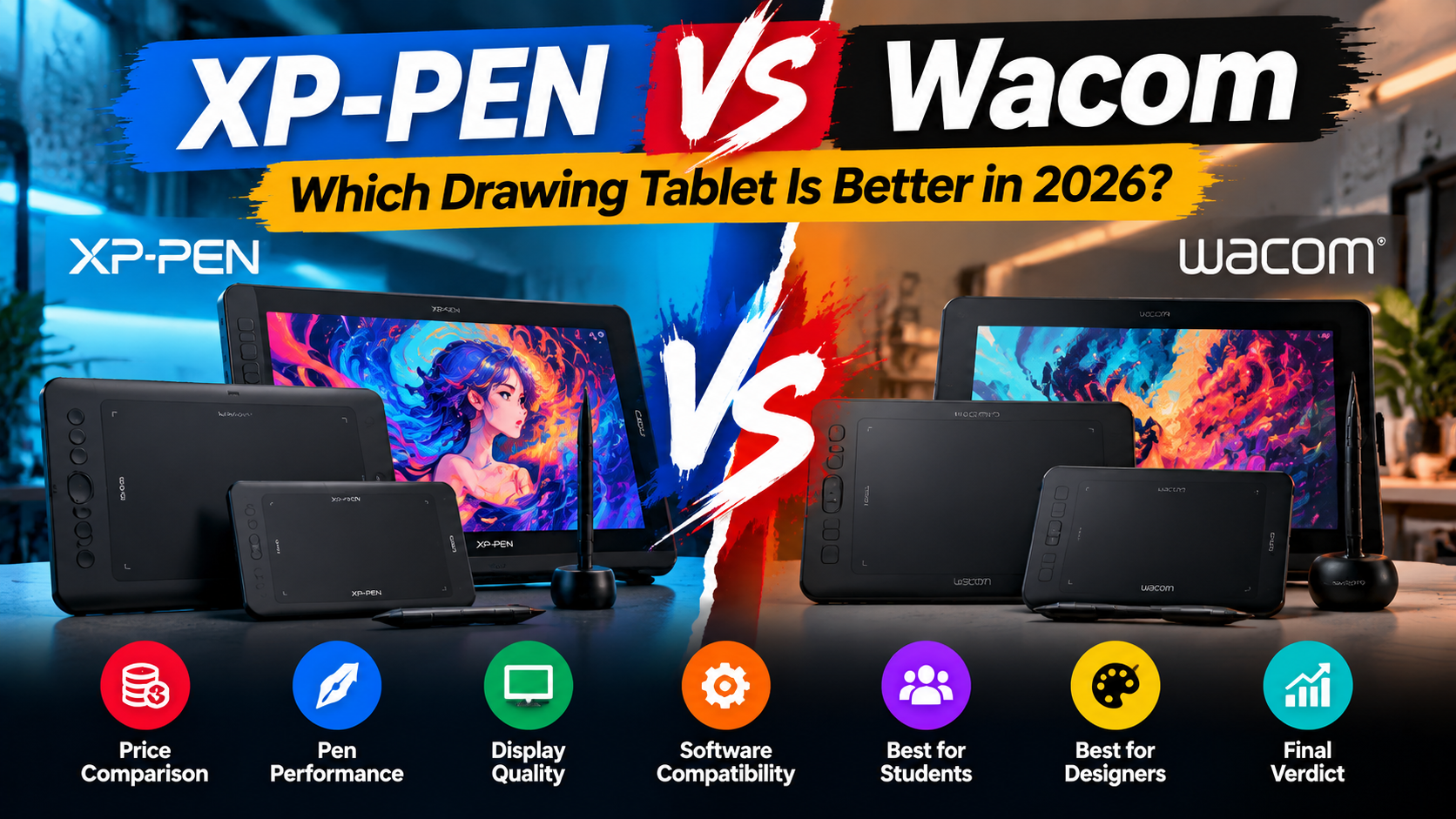
XP-PEN vs Wacom Tablets: Which Drawing Tablet Is Better in 2026?
Digital art, graphic design, animation, and creative work have changed significantly over the years. Professional artists and designers now use drawing tablets to create accurate digital illustrations, edit photos, design graphics, and improve their workflow.
Two of the most recognized names in the drawing tablet industry are XP-PEN and Wacom. Both brands offer high-quality tablets, but they target slightly different types of users.
Wacom has been a popular choice among professional artists for many years, while XP-PEN has gained popularity by offering advanced features at more affordable prices.
In this guide, we will compare XP-PEN vs Wacom tablets based on performance, features, price, compatibility, and user requirements to help you choose the right drawing tablet in 2026.
XP-PEN vs Wacom: Quick Comparison
| Feature | XP-PEN | Wacom |
|---|---|---|
| Price | Affordable | Premium pricing |
| Pen Pressure | Up to 16,384 levels (selected models) | Up to 8,192 levels (selected models) |
| Display Tablets | Available | Available |
| Beginner Friendly | Excellent | Good |
| Professional Use | Excellent | Excellent |
| Software Support | Wide compatibility | Wide compatibility |
| Value for Money | Very High | High |
XP-PEN vs Wacom: Price Difference
One of the biggest differences between XP-PEN and Wacom tablets is pricing.
Wacom tablets are known for premium build quality and professional reputation, but their prices are usually higher compared to other brands.
XP-PEN provides similar creative features at a more accessible price point, making it a popular option for:
- Students
- Beginner artists
- Freelancers
- Graphic designers
- Digital creators
For users who want professional features without spending a premium budget, XP-PEN offers strong value.
Drawing Performance Comparison
Pen Pressure Sensitivity
Pen pressure allows artists to control line thickness and opacity naturally while drawing.
Modern XP-PEN tablets offer high pressure sensitivity, providing accurate strokes for:
- Digital painting
- Illustration
- Sketching
- Photo editing
Wacom tablets also provide excellent pen performance and are widely used by professional artists.
For daily creative work, both brands deliver smooth and responsive drawing experiences.
XP-PEN vs Wacom: Pen Accuracy & Drawing Experience
A good drawing tablet should feel natural, similar to traditional drawing.
XP-PEN tablets provide:
Smooth pen tracking
Low latency response
Battery-free stylus
Customizable shortcut keys
Wacom tablets are known for their reliable drivers and professional workflow.
However, XP-PEN has improved significantly and offers competitive drawing performance for modern creators.
XP-PEN Products Recommended for Different Users
XP-PEN Deco 640 – Best for Beginners & Students
The XP-PEN Deco 640 is a compact and affordable drawing tablet designed for beginners, students, and digital artists.
It is suitable for:
- Online teaching
- Digital notes
- Basic drawing
- Graphic design practice
Product Link:
(Add Deco 640 product link)
XP-PEN Deco 01 V3 – Best Overall Drawing Tablet
The XP-PEN Deco 01 V3 is one of the most popular choices for designers and artists.
Features include:
- Large active drawing area
- High pen sensitivity
- Custom shortcut keys
- Comfortable drawing experience
It is ideal for:
- Graphic designers
- Illustrators
- Students
- Freelancers
Product Link:
(Add Deco 01 V3 product link)
XP-PEN Artist Series – Best Display Tablets for Professionals
For artists who prefer drawing directly on the screen, XP-PEN Artist display tablets provide a more natural experience.
They are suitable for:
- Professional illustration
- Animation
- Digital painting
- Creative studios
Product Link:
(Add Artist Series link)
XP-PEN vs Wacom for Graphic Designers
Graphic designers need accuracy, shortcut controls, and software compatibility.
Both XP-PEN and Wacom work well with popular design software including:
- Adobe Photoshop
- Adobe Illustrator
- CorelDRAW
- Clip Studio Paint
- Krita
For designers starting their career, XP-PEN provides excellent features at a lower investment.
Professional designers who already use Wacom may continue with it because of familiarity and workflow preferences.
XP-PEN vs Wacom for Students
Students usually need:
- Affordable pricing
- Easy setup
- Reliable performance
- Comfortable usage
XP-PEN tablets are a strong option for students because they provide professional-level features without requiring a large budget.
Models like Deco 640 and Deco 01 V3 are suitable for:
- Design students
- Architecture students
- Online learners
- Beginners
XP-PEN vs Wacom for Digital Artists
Digital artists need:
- Accurate pen control
- Large working area
- Good pressure sensitivity
- Smooth drawing experience
Both brands can handle professional artwork.
The choice depends on:
- Budget
- Required features
- Tablet size preference
- Display requirement
Software Compatibility Comparison
Both XP-PEN and Wacom support popular creative applications.
Compatible software includes:
- Photoshop
- Illustrator
- Blender
- AutoCAD
- Clip Studio Paint
- Krita
- ZBrush
This makes both brands suitable for different creative industries.
Which One Should You Buy: XP-PEN or Wacom?
The right choice depends on your requirements.
Choose XP-PEN If You Need:
Affordable professional features
Better value for money
Beginner-friendly options
Modern design
Multiple tablet choices
Choose Wacom If You Need:
Premium professional ecosystem
Long-term industry reputation
Established workflow
Final Verdict: XP-PEN vs Wacom
Both XP-PEN and Wacom produce high-quality drawing tablets. Wacom has a strong professional reputation, while XP-PEN has become a powerful competitor by offering advanced features at competitive prices.
For most students, beginners, freelancers, and designers in Pakistan, XP-PEN provides an excellent balance between performance, features, and affordability.
If you are looking for a reliable drawing tablet for digital art, graphic design, or creative projects, explore XP-PEN tablets available at my-xppen.com and choose the model that matches your requirements.
FAQs
Is XP-PEN better than Wacom?
XP-PEN offers excellent features and value, while Wacom is known for its professional ecosystem. The better choice depends on user needs and budget.
Which XP-PEN tablet is best for beginners?
XP-PEN Deco 640 and Deco 01 V3 are suitable options for beginners and students.
Can XP-PEN replace Wacom?
Yes, many artists and designers use XP-PEN tablets as an alternative to Wacom.
Does XP-PEN work with Photoshop?
Yes, XP-PEN tablets support Photoshop and other popular creative software.